Banana bread baked in Photoshop
Author: Purple Key Agency
We’ll admit the title doesn’t quite make sense. But keep reading…
When life gives you bananas, you make banana bread. If you’re a retoucher, you bake it in Photoshop.
Hours and hours of working in Photoshop can result in incredible output. But somewhere halfway through, when you start questioning whether it was all worth it and if there’s even an end in sight you need a small boost. Something to lift your energy, make you smile, and get those creative juices flowing again.
So, let’s begin…
Go to Edit > Toolbar, hold down Shift, and click Done while holding it and that’s it. A banana will appear on your toolbar! Its only purpose? To make you smile. If you want to undo this fruity makeover, simply open the Edit Toolbar options again and hold Control or Command while clicking Done.

After a bit of digging online, we found even more fun options. If you open Photoshop Preferences and go to Interface, then hold Control + Command or Shift + Alt while selecting different theme colors, the color icons will turn into toast or coffee. And if you rename one of your Layer Comps to “Layer Monkey 0”, the icon will transform into a cute little monkey.
Now you might be wondering what does all of this have to do with the cake from the beginning of the story?
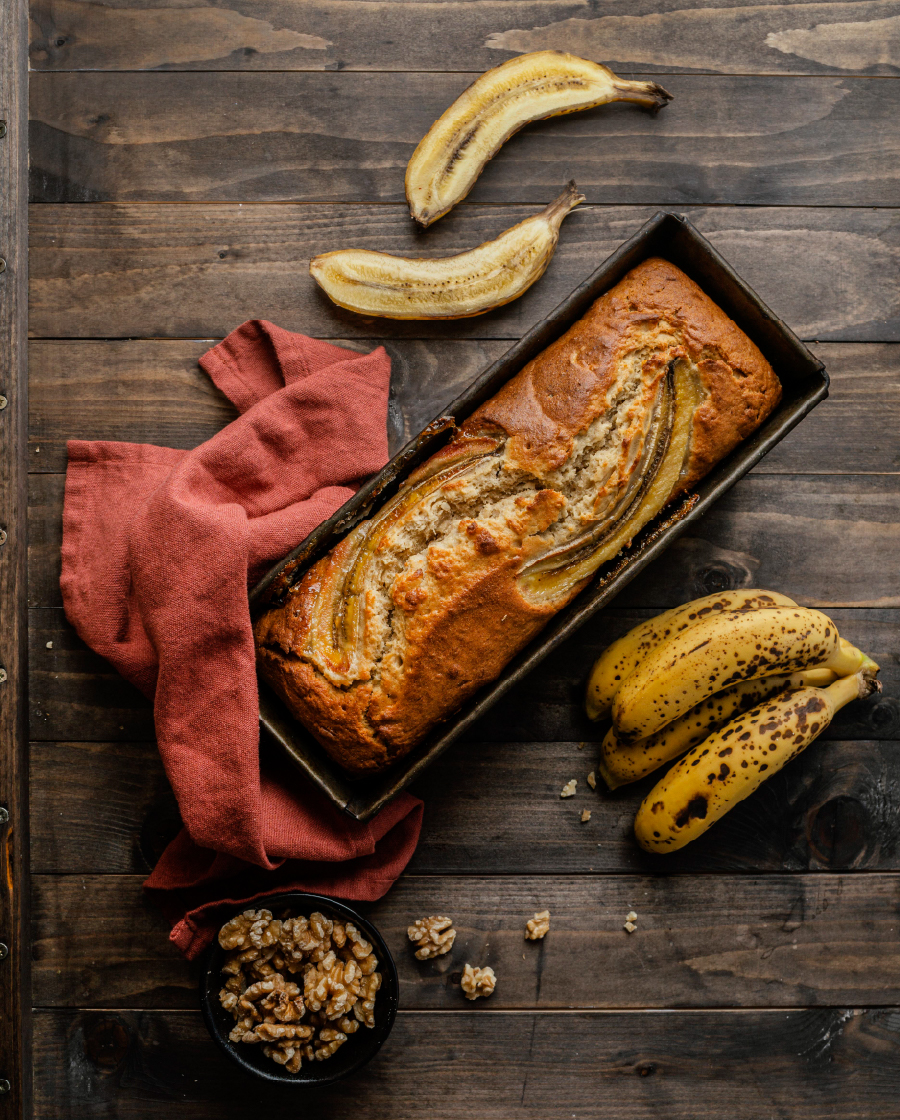
The answer is simple: you’ve been in Photoshop for too long. It’s time for a break and a snack. Our suggestion? Make the easiest treat of all: banana bread.
The answer is simple: you’ve been in Photoshop for too long. It’s time for a break and a snack. Our suggestion? Make the easiest treat of all: banana bread.
Related Posts