Gmail basically told us: We got you!
Source: Weird.com
If you were around in 2004, or just old enough back then to create your very first Gmail account, you probably didn’t think you’d be stuck with that same email address for years (or decades).
Some people managed to create alternatives (if they were lucky enough to find one still available with their name), while others, whether proudly or slightly embarrassed,have been using their most cringe email addresses for serious work or personal communication ever since.
We understand, we do not judge!
But if you’re not happy with the name you once chose (most likely invented by your teenage self), Gmail has just rolled out a major update, currently available to users in the US. You can FINALLY change your email address.
Google calls this your “account username”, but don’t let that confuse you, it’s actually your email address.
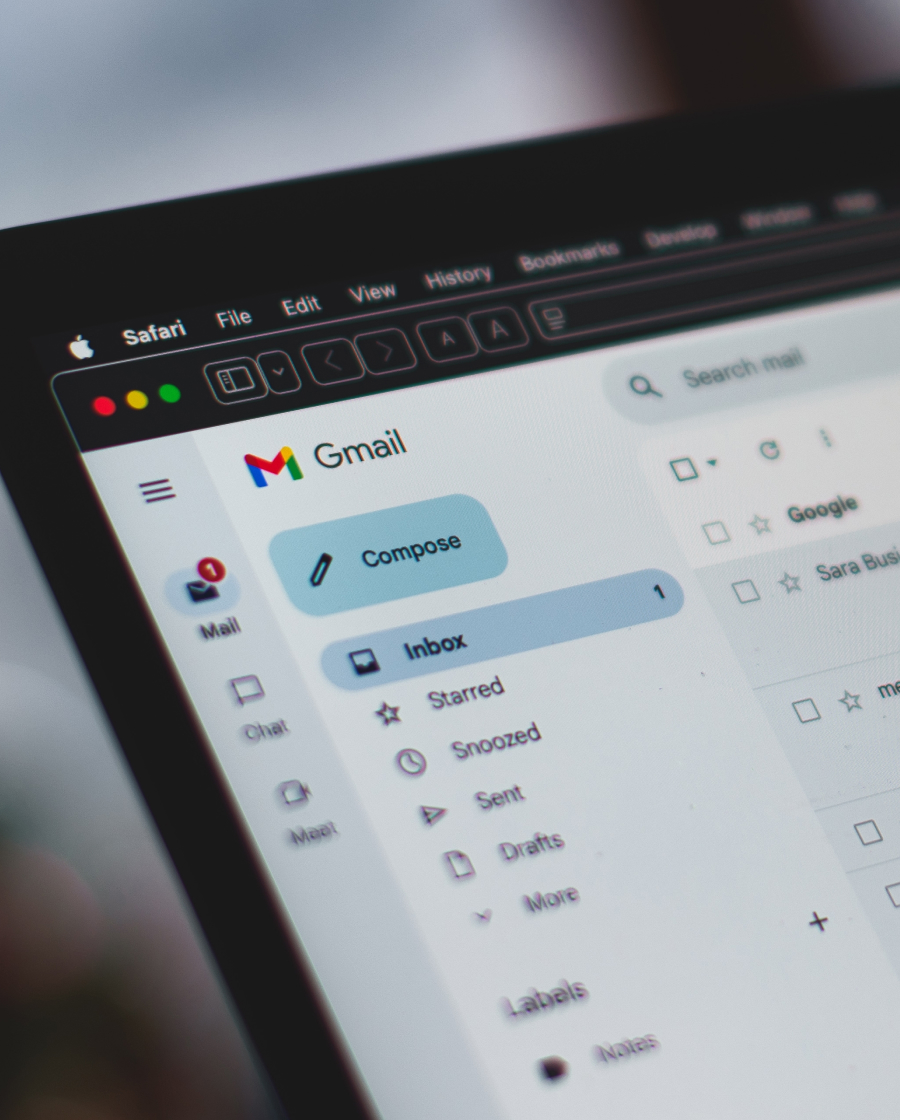
The process is pretty simple: log into your account, go to email settings, and find the Personal info section. From there, select Email and then Google Account email, where you’ll be able to make the change.
On the Gmail mobile app, it’s similar: go to Settings, choose your email, tap Manage Your Google Account, and follow the same steps as on desktop.
One very important thing to keep in mind. Gmail only allows this change once a year. So think carefully, or maybe be even more creative than your younger self. Why not?
The good news? You don’t need to notify everyone immediately or worry about losing your data. If someone emails your old address, the message will still reach your inbox as usual. Nothing gets lost.
So, happy changing. Because everyone deserves a second chance, even your email address.
Related Posts